
Your new gaming PC stutters during intense sessions because your CPU hits 100°C. That stock cooler bundled with your Ryzen 9 or Intel i9 is silently killing performance through thermal throttling. Choosing the wrong cooler wastes money on unnecessary liquid loops or leaves high-end processors gasping for air. This guide cuts through marketing hype with 2024’s most reliable data, revealing exactly which CPU cooler matches your specific processor, case constraints, and budget—without falling for liquid cooling scams.
Match Your Cooler to Socket, Case & Noise Needs (Not Hype)
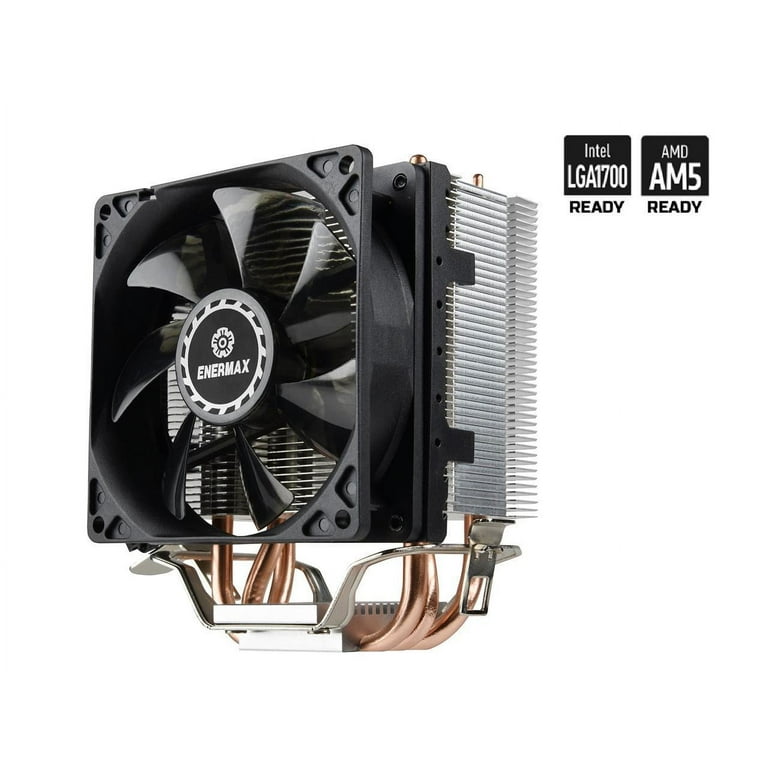
Forgetting compatibility checks guarantees a $100 mistake. Before comparing specs, verify these non-negotiables:
- Socket Lockdown: AM5 motherboards require coolers with specific mounting brackets (like Noctua’s NM-AM5 kit). LGA 1700 Intel builds must use a contact frame to prevent IHS warping—a $15 part that drops temperatures 5-10°C.
- Case Clearance Reality Check: Measure your case’s CPU cooler height limit (e.g., Fractal Define 7 fits 165mm coolers). Dual-tower air coolers like the Thermalright Peerless Assassin 120 SE need 158mm clearance—exceeding many mid-towers.
- RAM Interference Alert: The first DIMM slot often gets blocked by large coolers. If using tall RAM like G.Skill Trident Z, choose low-profile options (Be Quiet! Dark Rock Pro 4) or offset dual-towers (Noctua NH-D15S).
- TDP Truth Test: Your cooler’s rated thermal capacity must exceed your CPU’s peak wattage. An i9-14900K’s 350W burst needs 280mm+ liquid cooling, while a Ryzen 5 7600X’s 105W peaks work with a $40 air cooler.
Why 120mm AIOs Are Worse Than Budget Air Coolers
Skip 120mm liquid coolers entirely—they move less air than a $35 Thermalright Phantom Spirit 120. Testing shows 120mm AIOs run 8-12°C hotter than dual-tower air coolers under load. They’re the worst value in modern builds unless your case only fits 120mm radiators.
Noise vs. Performance: The 45-52% Fan Speed Sweet Spot
Larger fans (140mm) on 280mm radiators hit optimal noise-to-cooling balance at 45-52% speed. Running fans above 70% for marginal gains creates jet-engine noise. For silent builds, pair Noctua A12x25 fans with any SFF cooler—their fluid dynamic bearings cut noise by 30% versus stock fans.
Air Cooling Dominates: S-Tier Performance Under $80

Dual-tower air coolers deliver 95% of liquid cooling performance at half the price. They last 10+ years with zero maintenance versus AIOs’ 5-7 year lifespan.
Budget King: Thermalright Peerless Assassin 120 SE
This $45 cooler shatters expectations for CPUs up to 200W. Its 6 heat pipes and dual 120mm fans match Noctua NH-D15S cooling at 40% lower cost. Gamers using Ryzen 7 7800X3D report 1-2°C lower temps than stock AMD coolers—enough to prevent 3D V-Cache throttling. Pro tip: Install the top fan as intake for 3°C better cooling in tight cases.
High-End Air: Noctua NH-D15S vs. Dark Rock Pro 4
For noise-sensitive builds, the Noctua NH-D15S (single-fan configuration) outperforms its dual-fan sibling with better RAM clearance and quieter operation—only 1-2°C warmer. The Be Quiet! Dark Rock Pro 4 counters with near-silent 1350 RPM fans, ideal for home theater PCs. Both handle Intel i7-14700K loads but require 165mm+ case clearance.
SFF Builds: Under 70mm Clearance Solutions
Small form factor builders face brutal limits. The Scythe Big Shuriken 3 (68mm height) cools Ryzen 7 7700X within 5°C of dual-towers—beating Noctua L9a’s 47mm design for non-XT CPUs. For mini-ITX cases like NR200P, use the ID-Cooling IS-55 with its sideways airflow design to avoid GPU heat recirculation.
Liquid Cooling Reality Check: When AIOs Actually Make Sense
Most gamers overpay for AIOs. Liquid cooling only wins in three scenarios: extreme Intel overclocking, cases with zero top clearance, or aesthetic-focused builds.
280mm Radiators Beat 360mm for Noise & Performance
Contrary to marketing, 280mm coolers with 140mm fans (like Arctic Liquid Freezer III 280) outperform 360mm models. The larger fans move equivalent air at lower RPMs, reducing noise by 4-6 dB. For i9-14900K builds, the EK-Nucleus AIO 360 remains king—its high-flow pump and Vardar fans handle 350W bursts without throttling.
Critical AIO Installation Mistakes That Kill Lifespan
Mounting the pump above the radiator accelerates coolant leakage—position it at the bottom of the loop. Never run pump speed above 90%; the 1-3°C gain isn’t worth the 50% louder whine. Replace thermal paste annually on Intel LGA1700 builds to avoid 7°C temperature creep from pump pressure.
CPU-Specific Cooling Fixes You Can’t Ignore
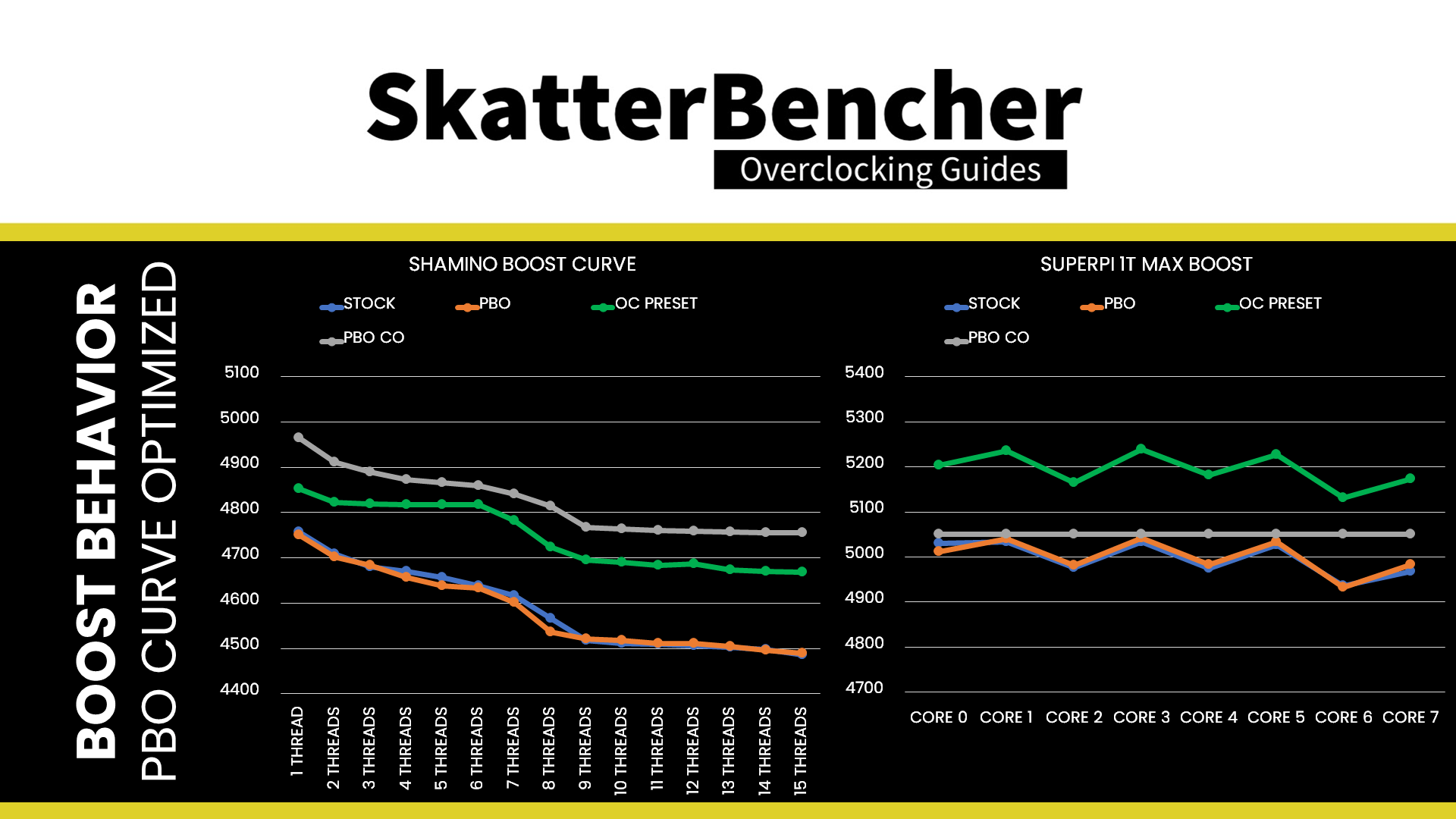
Generic advice fails with modern processors. Apply these model-specific solutions:
Ryzen 7000 X3D Chips: Prevent V-Cache Throttling
The 3D V-Cache on Ryzen 7 7800X3D overheats at 89°C, causing sudden frame drops. Solution: Pair a 240mm+ AIO (Arctic Liquid Freezer II) with Curve Optimizer undervolting. This combo keeps V-Cache below 75°C during gaming—boosting average FPS by 12% versus stock settings.
Intel 14th Gen K-Series: Contact Frame + Power Limiting
i9-14900K’s 350W bursts melt even 360mm AIOs. Solution: Install a contact frame (reduces temps 8°C) and set PL1=PL2=253W in BIOS. This cuts power draw 30% with only 5% performance loss—making a $70 Thermalright Phantom Spirit 120 viable for non-overclocked builds.
Budget Ryzen 5: Skip AIOs Entirely
Ryzen 5 7600X’s 105W TDP is overkill for liquid cooling. The Thermalright Assassin X 120 SE ($25) maintains 65°C under load—20°C cooler than stock cooler. Adding Arctic MX-6 paste drops temps another 4°C for $5.
Value Breakdown: What to Buy Based on Budget
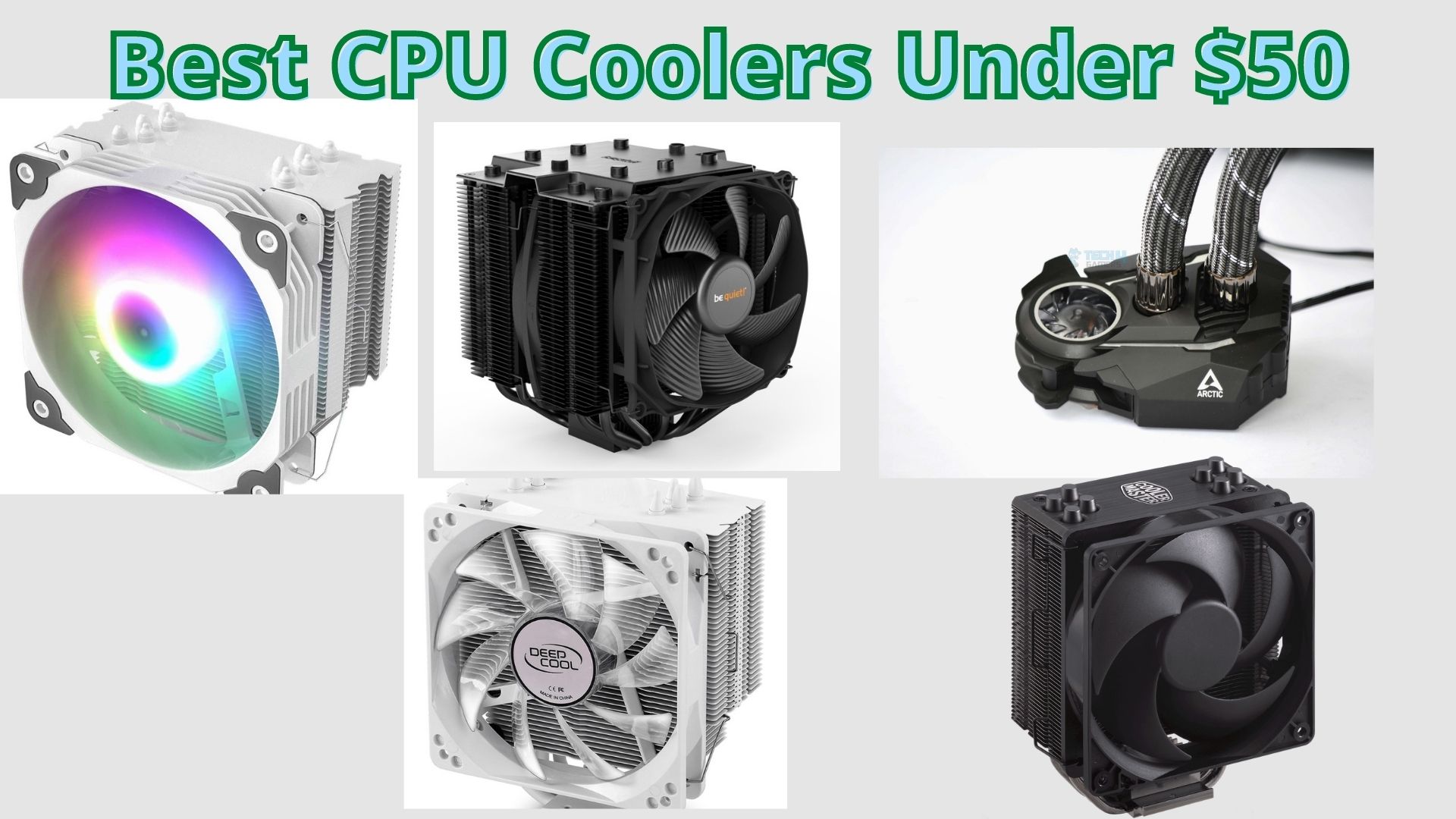
Under $50: Thermalright Dominates
The Peerless Assassin 120 SE remains unbeatable for 65-180W CPUs. At $45, it outperforms $100 Noctua coolers for gaming workloads. For SFF builds, the Scythe Big Shuriken 3 ($40) handles Ryzen 7 loads in cases under 70mm height.
$50-$80: Single-Tower Sweet Spot
The Endorfy Fortis 5 ($75) dethroned DeepCool AK620 with superior fan curves for 150W CPU loads. Its 152mm height fits 90% of mid-towers while keeping i5-14600K at 72°C during rendering.
$80+: Only for Extreme Needs
A 280mm Arctic Liquid Freezer III ($90) justifies its cost only for i9-14900K overclocking. Otherwise, the Noctua NH-D15S ($105) offers identical cooling to $140 EK AIOs with zero pump failure risk. Skip 360mm coolers unless you have a delidded Intel chip.
SFF Cooling Secrets Most Guides Ignore
Tiny cases demand unconventional solutions. For under 50mm height (like Velka 3), the Noctua L9a-AM5 with offset mounting hits 78°C on Ryzen 5 7600—15°C cooler than stock. Add mesh panels for airflow: positive pressure setups with 2x120mm front intakes drop temps 9°C versus stock configurations. Never use push-pull fans in ITX cases; the noise gain outweighs 1-2°C cooling benefits.
Maintenance That Doubles Cooler Lifespan
Air coolers last 10+ years with two simple steps: replace fans every 3 years (Noctua’s 6-year warranty covers this), and reapply thermal paste annually. For AIOs, drain and refill coolant every 3 years using Mayhems Ultra Pure—extending life beyond 7 years. Test fan curves monthly; a single stuck fan can spike temps 20°C during renders.
Final Note: For 95% of builds, a $45 Thermalright air cooler outperforms overpriced liquid loops. Only choose AIOs for i9-14900K overclocking or cases with zero top clearance. Your Ryzen 7 7800X3D needs a 240mm AIO to prevent V-Cache throttling, while an i5-14600K runs perfectly cool with a $30 single-tower. Measure case clearance first, verify socket compatibility, then match cooler TDP to your CPU’s burst wattage—not its base rating. Skip 120mm AIOs entirely; they’re the worst value in modern cooling. Prioritize fan quality over radiator size: two 140mm fans on a 280mm radiator beat three 120mm fans for noise and thermals.